
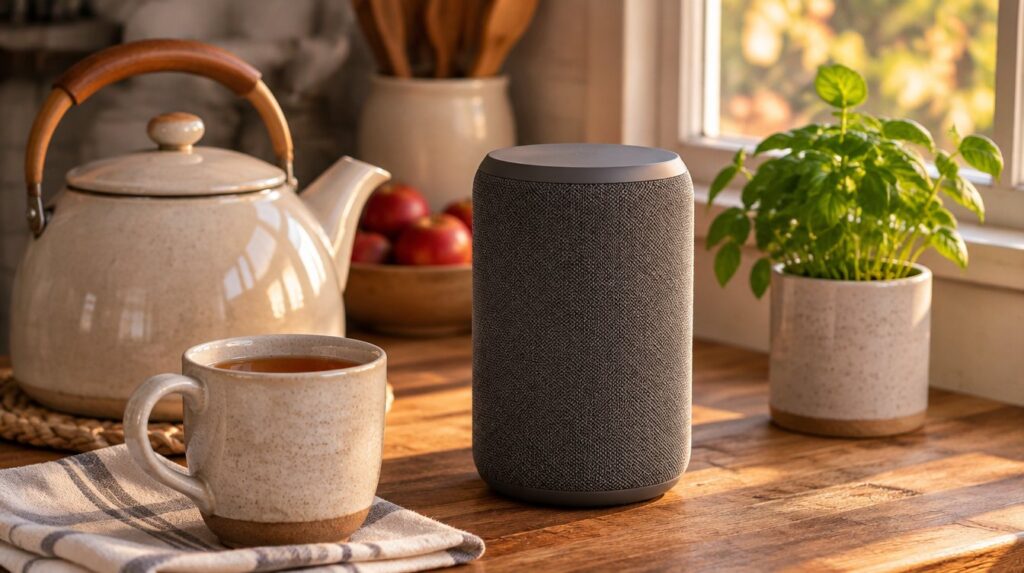
Direct answer: A smart speaker can set timers, play music, answer simple questions, and place a call if you set that up. It can also hear more than you meant to share. Change default passwords, review privacy settings, keep the microphone muted when you do not need it, and treat any fall-alert feature as a helper, not as a medical device.
You do not need every feature. A speaker that handles reminders and phone calls may be enough.
What a smart speaker can do well
Most voice assistants sit in a kitchen or living room and wait for a wake word. After that, they can set a timer, add an item to a list, read the weather, play a radio station, or answer a simple fact question. Some can call a number you have saved, or drop in on another speaker in the house, if you turn those options on.
Those tasks are handy when your hands are wet or when typing on a small screen is hard. They are a poor place for banking, Medicare logins, or private health details.
AARP Research’s 2026 Tech Trends report looked at technology use among adults 50 and older, including voice personal assistants such as Siri or Alexa. The same report found that AI use in this age group rose from 18% in 2024 to 30% in 2025, and that three in 5 adults 50 and older say technology is not designed with their age in mind. If the speaker’s voice is too fast or the app is crowded, slow the speech rate and increase text size in the companion app before you decide the device is not for you.
If you also want a typed chatbot for letters and lists, see ChatGPT for seniors. A speaker and a chatbot can live in the same house. They should follow the same rule: keep account numbers out of the conversation.
A safer setup, in plain steps
CISA’s guidance on the Internet of Things covers devices that send and receive data over the internet, including ones that interact with people at home. CISA says the security of that information is not always guaranteed. Its practical steps are a good setup list for a new speaker.
- Create the account yourself, or sit with the person who helps you. Use an email address you control. Write down the password in a safe place.
- Change any default password. CISA notes that some internet-enabled devices ship with default passwords that are easy to find online. Those defaults do not protect you.
- Use a strong, unique password for the speaker account, and turn on extra sign-in protection if the company offers it.
- Connect the speaker to your home Wi-Fi, not to a network you do not know. CISA says to connect carefully, because a device on the internet is also connected to millions of other computers.
- Review the privacy and security settings before you start asking questions. CISA recommends looking at those settings and choosing options that meet your needs without adding extra risk. Turn off features you will not use, such as voice purchasing or extra data sharing.
- Install updates when the company offers them. CISA says manufacturers issue patches when they find problems, and those updates should be applied promptly.
- Find the mute button and practice using it. Muting the microphone is the fastest way to stop the device from listening.
You do not need the speaker to be online every minute. If you bought it mainly for music or timers during the day, you can mute it at night.
IC3’s March 31, 2026 mobile-app alert adds a related habit for the phone app that controls the speaker: download it from the official app store, read the terms, disable data sharing you do not need, and keep the app updated.
Privacy habits after the speaker is on
A speaker is designed to listen for its wake word. That is useful, and it is also why you should think about what gets said in that room.
- Do not read a Social Security number, Medicare number, bank password, or one-time passcode out loud near the device.
- Do not ask it to look up another person’s private medical or financial details.
- Review stored voice recordings if the company lets you see or delete them.
- Ask household guests before you use drop-in or always-on calling features that can surprise someone in another room.
- If children visit, remember that their voices and questions may be stored too. IC3 has advised people to limit how much of their image and voice sit in public or loosely controlled online spaces.
A cloned-voice scam can also start with audio collected elsewhere. If a call later sounds like family and asks for money, hang up and use the steps in how to spot an AI voice-clone scam. Do not let the speaker place a payment or read out card numbers while you are upset.
Families who want help writing notes or planning a visit can do that in a typed tool instead. See AI tools that help with grandkids’ homework and family connection.
CISA’s phishing guidance still applies if the speaker reads an urgent message or if you get an email about your “smart home account.” Do not click a link in a scary note. Look up the company another way, and never give a caller your password.
What to know about fall alerts
Falls are a serious risk for older adults. The CDC says falls among people 65 and older caused more than 43,000 deaths in 2024 and about 4.5 million emergency department visits that year. The CDC also says falls can be prevented and are not an inevitable part of aging.
Some speakers, watches, and home devices advertise fall detection or a way to call for help with your voice. Those features can be useful if you understand their limits.
A consumer fall-alert setting is not the same thing as a medical alert system chosen with your clinician. It may miss a fall, send a false alert, or fail if the internet or power is out. It does not replace a plan that includes a phone you can reach, neighbors who have a key, or a device your clinician recommended.
If you turn on a calling or alert feature:
- Test it while you are standing and calm, using the company’s official instructions.
- Make sure it calls a number that a real person will answer.
- Keep the device plugged in, updated, and within voice range of the rooms where you spend time.
- Tell the people on your contact list what an alert from you will sound like.
Do not assume the speaker will notice every fall. Do not cancel other safety plans because a box on the counter promised to listen.
What not to do
Do not leave voice purchasing turned on without a PIN if the speaker can buy things. Do not accept a pop-up that asks for extra permissions you do not understand. Do not shout account numbers across the kitchen because the speaker did not hear you the first time.
Do not treat the speaker as a doctor or a benefits counselor. If it answers a health or Medicare question, check the official page or ask a person who is responsible for your care.
I built this site after watching my grandmother stretch SNAP and Medicare until she passed at 87. A speaker that answers questions out loud would have been handy in her kitchen, but she would have been worried about who else might be listening. Mute the microphone when you do not need it, and keep account numbers off the speaker.
Frequently asked questions
Do I need a smart speaker if I already have a smartphone?
No. A phone can set timers and place calls without adding another listening device to the room. A speaker is worth considering if you want voice control when your hands are busy or when a small screen is hard to read. If you do buy one, use CISA’s steps: change default passwords, review security settings, and keep the software updated.
Can a smart speaker replace a medical alert system?
No. Some devices can call a contact or detect a possible fall, but that is a consumer feature. It can fail without power or internet, and it is not a substitute for a plan you make with your clinician or family. The CDC’s fall figures show why a backup plan matters. Test any alert feature and keep another way to reach help.
How do I stop the speaker from listening?
Use the physical mute button when you are not asking it for help, especially during private conversations. Review the companion app for settings that store or share voice recordings, and delete old clips if the company lets you. If you will be away or you no longer want the device on, unplug it.
Is it safe to let a speaker place calls for me?
It can be, if you set it to call people you chose and you test the feature first. Do not let it call numbers that appeared in a suspicious email or text. If a voice on the line claims to be family and asks for money, hang up and call back on a number you already have. A speaker should not send gift cards or read payment details out loud.
What should I do if I think someone accessed my speaker account?
Change the account password from a device you trust, review recent activity and stored recordings, and turn off features you do not use. Update the app and the speaker software. If money or personal information may have been exposed, call your bank and file reports at ic3.gov and ReportFraud.ftc.gov.
Your next step
If you already own a speaker, find the mute button today and turn off voice purchasing or extra data sharing you do not need. If you are still deciding whether to buy one, write down the two or three tasks you actually want, and skip the rest. For phone scams that use a copied voice, keep how to spot an AI voice-clone scam next to the device.

Sources
- CISA: Securing the Internet of Things (IoT).
- CISA: Recognize and Report Phishing.
- CDC: About Older Adult Falls.
- AARP Research: 2026 Tech Trends and Adults 50-Plus.
- FBI Internet Crime Complaint Center: Criminals Use Generative Artificial Intelligence to Facilitate Financial Fraud (I-120324-PSA, December 3, 2024).
- FBI Internet Crime Complaint Center: Data Security Risks of Using Foreign-Developed Mobile Apps (I-033126-PSA, March 31, 2026).
- Federal Trade Commission: ReportFraud.ftc.gov.